Joint research and implementation projects.
In partnership with
Akademia Bialska im. Jana Pawła II
Akademia Bialska im. Jana Pawła II
A modern education and technology platform
One platform. Support for the whole school community.
Akademia Podstaw Życia is being developed as a shared education and technology environment for students, parents, teachers and school leadership. At this stage, we are developing solutions for Grades 1–3. Extending the scope through to the Polish school-leaving examination (matura) is a long-term plan we aim to pursue in stages. Technology should support people, not take over their responsibility.
 Akademia Podstaw Życia
a shared learning environment
Akademia Podstaw Życia
a shared learning environment
Unified learning
system
curriculum · knowledge · skills
student
parents
teacher
school leadership
School curriculumdelivered by the teacher
Learning recordavailable to the next school in the system
Partnership

Cooperation agreement no. WNT.8.2026
Technology meets knowledge.
BurningCells Interactive works with Akademia Bialska im. Jana Pawła II in Biała Podlaska in the fields of science, research and development, and education.
Work placements, internships and student projects.
Conferences, seminars and expert collaboration.
System vision
The e-diary is part of the system. Not its limit.
Akademia Podstaw Życia brings the e-diary, school organisation, communication with parents and learning into one education and technology environment. Materials, digital worksheets, assignments and skill records form a connected whole - accessible according to each student, parent, teacher and school leader’s role.
One platformcontinuity of learning across institutions using the system
A shared educational core
The Polish national curriculum and a consistent record of progress
A consistent way to document curriculum delivery while preserving the school’s and teacher’s role in leading learning.
A curriculum led by the school
The teacher plans, delivers and assesses learning. The platform organises materials, assignments and progress information.
A clear picture of progress
Students, parents, teachers and school leaders see the information relevant to their role - from completed content to results and mastered skills.
Continuity when changing schools
A new school using the platform can review the student’s learning record and plan the next steps smoothly.
An AI Mentor that supports learning
We plan a Mentor based on materials approved by the education team, with final grades and decisions remaining with authorised people.
Continuity applies to institutions using the platform. We plan to restrict access to authorised people and the information needed for teaching. Sharing rules require implementation and verification before a pilot using real data.
Female AI Mentorstudent’s choiceMale AI Mentor
Planned AI support
We plan AI Mentor support. People remain responsible for grades and decisions.
The planned Mentor is intended to help students understand material, choose exercises and revise, using content prepared or approved by the education team.
Implementing these functions, study planning and campus navigation requires integration and testing. Official grades, classification and decisions concerning a student remain the responsibility of an authorised person.
Planned transparency and oversight principles.
We plan clear AI identification, approved content, uncertainty signalling and referral to a person. These mechanisms require implementation and testing.
clear AI identification
approved educational content
uncertainty signalling
grades and decisions remain with people
explanations of approved content
study and revision planning
navigation through materials and campus
referral to an authorised person
Product vision
A campus, not another lesson catalogue.
A realistic 3D campus turns learning material into spaces, tasks and experiences grounded in the contemporary world. Cinematic presentation is intended to strengthen curiosity and engagement without separating learning from reality.
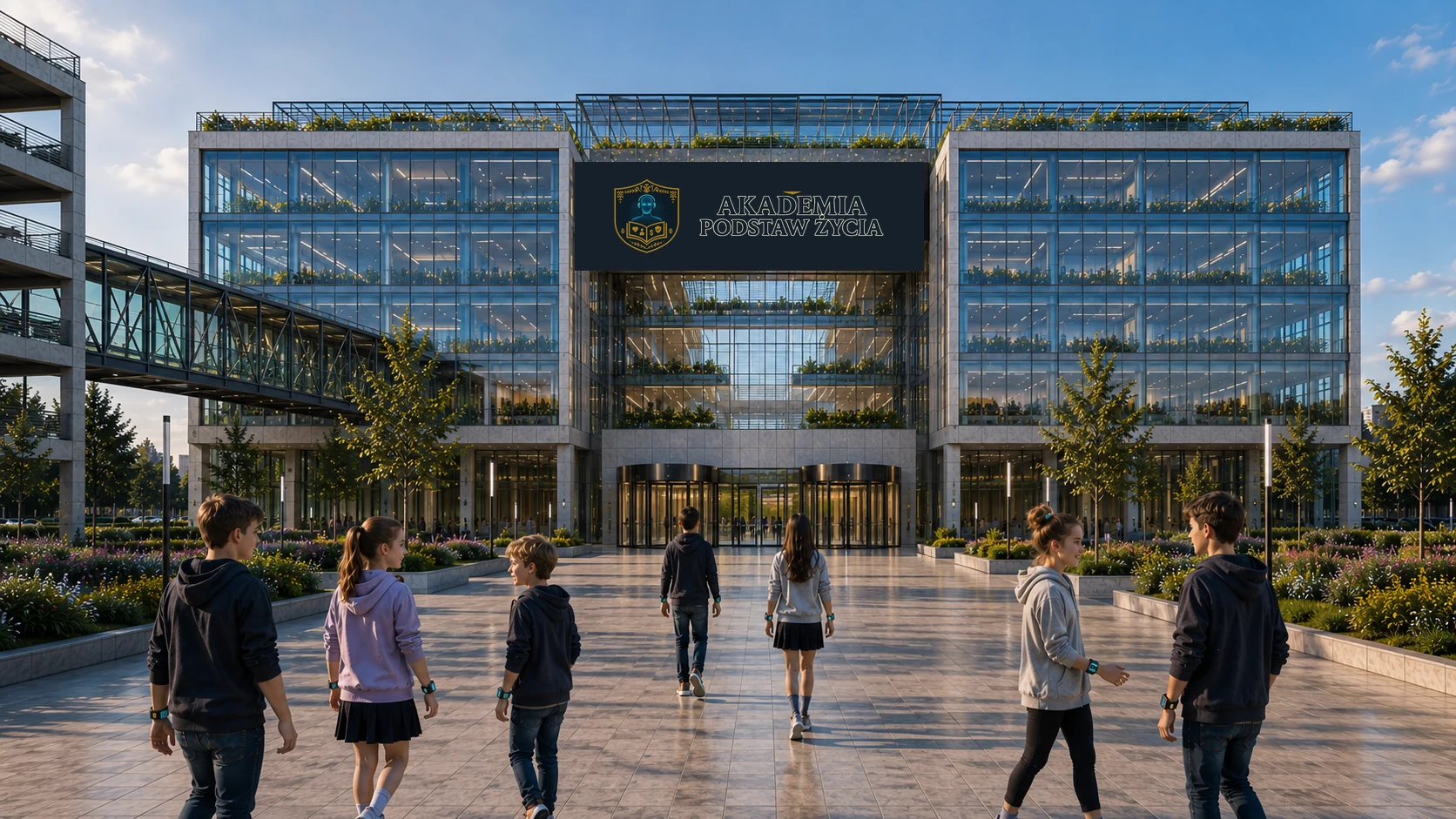
Campus vision - AI illustration
This illustration was created using AI based on the team’s concept and shows the visual direction of the project. It is not a screenshot of the platform in Unreal Engine. The 3D environment is still being developed; we are not presenting its current appearance yet.
Real places
A library, laboratories, workshops and social spaces instead of fantasy realms.
Technology with purpose
Robotics, devices, simulations and digital tools help students understand the real world.
Learning by doing
A topic becomes a conversation, an experiment, a problem to solve or a mission on campus.
For schools
Two perspectives. A shared focus on the student.
We are developing tools around everyday school tasks: lesson preparation, useful feedback and school organisation.
For teachers
From a lesson idea to useful feedback
- Preparing lessons
Editable lesson stages and worksheets help organise a topic, exercises and homework.
- Submissions in one place
A review queue, teacher comments and review status show which assignments need the next step.
- A clear next step for the student
Reviewed work and comments help the student see what they have mastered and what to revisit.
For school leaders
School operations in a single overview
- Diary completeness
Missing entries and reminders organise the daily diary review workflow.
- Daily organisation
Staff attendance and a canteen summary illustrate the planned support for school operations.
- Staff council meetings
An agenda, materials, attendance and draft minutes in one module.
These solutions are in development. Connecting them into a shared service and checking them in school settings are the next steps before a pilot. Grades and decisions remain with authorised people.
Explore the platform
Look inside. A place for every role.
Selected web and Android screens show workflows for students, parents, teachers and school leaders. Enlarge a view to explore the details. Screenshots show the Polish interface.
All screenshots use demonstration data only. The interface is in development. The 3D environment is being built in Unreal Engine; we are not presenting its current appearance yet.
Web · student
A simple start to the day
The timetable, digital worksheet, assignment and progress in a view designed for younger students.
Web · parent
The child’s school day at a glance
Topics, homework, progress and school notices in one parent dashboard.
Web · teacher
Teacher workspace
Lesson planning, editable stages, worksheets and a queue of assignments to review.
Web · school leader
Everyday school operations
Diary completeness, staff attendance and a canteen summary in one place.
Android · student
Clear feedback
A reviewed assignment, teacher comments and the daily plan on a phone.
Android · parent
Surveys and polls
Taking part in class decisions: choosing an answer and viewing a recorded vote.
Android · teacher
From submission to review
Student assignments, comments and review status in the mobile teacher view.
Android · school leader
School leadership dashboard
Attendance, diaries needing completion and a canteen summary on a phone.
Development status and roadmap
From interactive views to a school pilot.
The project is in development and we are preparing it for a pilot. The web platform and mobile app already have interactive workflows. The 3D environment is being developed alongside them, at an earlier stage.
Already developed
Views and workflows
- Student, parent, teacher and school leadership views on web and Android.
- A local assignment workflow: completion, submission, review and feedback.
- Lesson preparation, a digital worksheet and school organisation tools.
Preparing for a pilot
Integration and validation
- A shared server, real accounts, permissions and cross-device synchronisation.
- Security, accessibility and user testing.
- Scenario reviews with educators and agreeing how to work with schools.
Further development
One system, three parts
- The web platform, mobile app and a desktop 3D environment.
- Developing spaces and learning activities in Unreal Engine.
- Integration and evaluation of the AI Mentor, learning materials and pathways.
Current workflows run locally. Shared data, authentication and synchronisation require integration; AI features require implementation and evaluation. Pilot timing depends on this work and arrangements with schools.
How the project has developed
The information website, web platform, mobile app and 3D environment are separate areas of work within a shared project.
- Concept and information website
We defined the roles and scope of the system. The project website grew to explain access, cooperation, needs research and development progress.
- Web platform
Initial screens developed into interactive role-based panels. We added a digital worksheet, lesson preparation, assignment review and school organisation tools.
- Mobile app
We developed touch controls, the e-diary, messages and polls. In the local prototype, student submissions were linked with teacher feedback and the parent’s view.
- 3D environment
In Unreal Engine we are building the campus spaces and basic interactions. This part is still in development; we are not showing its current appearance yet.
Security, AI ethics and data protection
Planned security principles. Data protection before the pilot.
We plan to implement and verify access controls, data protection, backups and incident response before a pilot using real data. This work is intended to address children’s data, human oversight of AI and requirements relevant to the service model.
Plans, not confirmation of implementation.
This description does not confirm that safeguards have been implemented, tested or subject to a compliance audit.
Only what is necessary
We plan to define the necessary data scope, purposes and retention periods, and implement role-based access.
Transparency and specific protection
We plan to clearly identify AI support, adapt communication to the student’s age and assess human oversight and privacy risks.
Operational resilience
We plan to implement and test access controls, event logging, updates, backups and incident-response procedures.
Institutional requirements
We plan to establish data protection and AI requirements and assess whether KSC / NIS2 applies to the school and provider.
Pricing and access rules
School and Premium editions. We plan paid access.
Pricing will be prepared after the needs assessment, conversations with schools and testing. We are not accepting orders at this stage.
School licence
We plan a model in which the school pays for the licence and students, parents and guardians access school features on web and mobile without a separate fee.
Premium
We plan to offer optional Premium directly to parents and guardians. We do not plan to make reading school messages or receiving notifications about their child conditional on buying it.
Before purchase, schools, parents and guardians will receive complete information about pricing, scope and access terms.
Needs assessment
Five perspectives. One shared direction.
Surveys shared through schools
Student, parent, teacher and school leadership surveys are shared through participating schools. Your school will provide the relevant link. The questionnaires are in Polish.
Students in Years 1–3
Understanding tasks, enjoying learning and asking for help.
Students in Years 4–8
Independent learning, motivation, interests and expectations of the platform.
Parents and guardians
Learning at home, information about progress and support for the child.
Teachers
Lesson preparation, materials, assessment and time spent on everyday tasks.
School leadership
Implementation, safety, staff training and conditions for the pilot.
Working with schools
Preparing for a pilot. Together with selected schools.
The pilot will involve a small group of selected schools. We will agree the scope, schedule, support model and participating groups with each institution. There is no open call.
Free access
to the school edition throughout the pilot
Co-creation
through tests, conversations and surveys among invited groups
Implementation support
and guided testing of the most important scenarios
Arrangements with the institution
Direct discussionsPilot scope and terms for continued use
The schedule, participants, test scenarios and feedback process will be agreed directly with the leadership of each selected school.
After the pilot, the institution will receive significantly more favourable, individually agreed terms for using the final school edition.
A shared journey
An environment for everyday, meaningful learning.
We bring together the experience of teachers, students, parents and schools so that the system responds to real needs and remains consistent across every stage of learning.